About GENBRX
Creative software for building with real bricks.
Turn an idea into a brick model you can inspect, edit and keep improving.
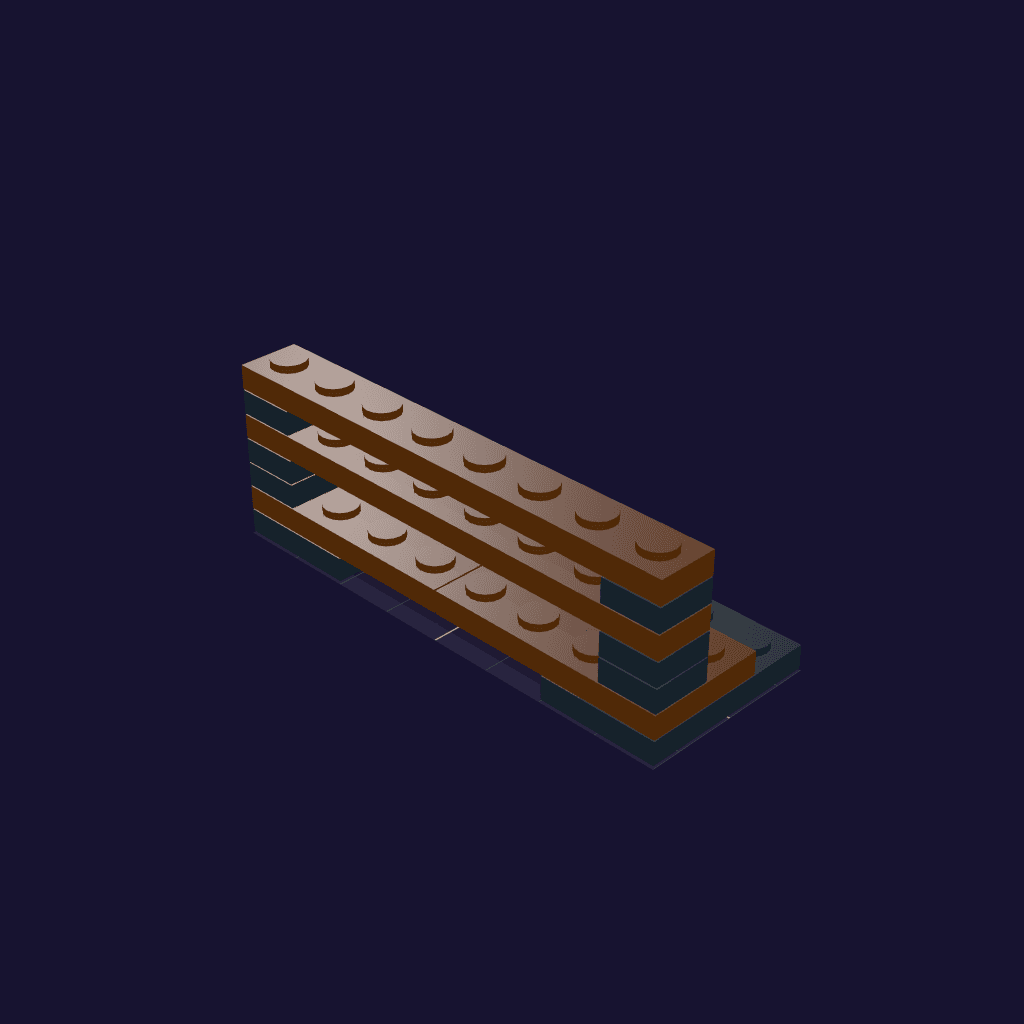
Stay in control of your design
Start with a blank canvas or use AI assistance when it is available for your account. Select bricks, move and recolor parts, organize groups, and return to earlier saved versions.
Look beyond the render
Inspect supported connections and review the parts list before building. Automatic checks help find certain defects; they do not certify stability, safety or every assembly step. Read the building guidance before a physical build.
Private until you choose to share
Projects and personal saved shapes stay in your workspace. A share link exposes a saved model snapshot and your display name to anyone with the link. You choose when to update that snapshot or stop sharing.
Get in touch
Find operator details and support options on Contact, or review the policies and privacy controls.
Make something of your own
Create a project and choose AI assistance or manual building. Account access and AI features depend on launch availability.